Upsell shipping
By default, an item a customer adds after checkout can end up in its own shipment, sometimes at a different location. Turn on Ship upsells in one package so the upsell goes out with the rest of the order: your team packs once and the customer gets one delivery.
Ship upsells in one package
Settings → General → Upsell shipping
- Go to Settings in the app menu, open the General tab, and scroll to the Upsell shipping section.
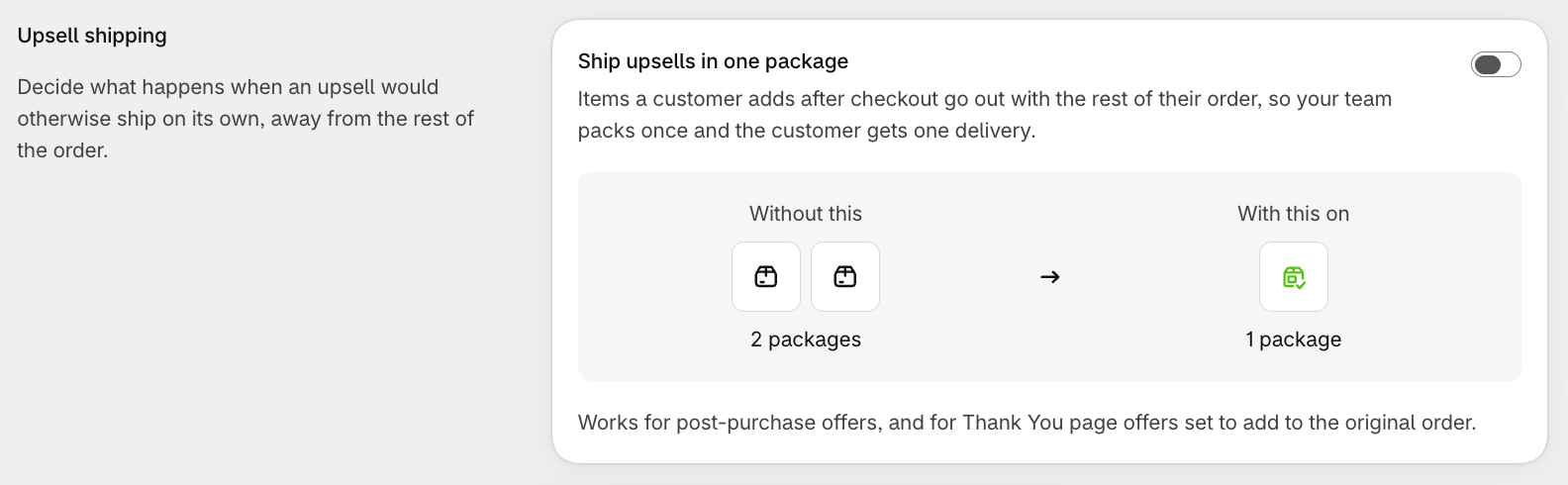
- Turn on Ship upsells in one package. It is off by default.
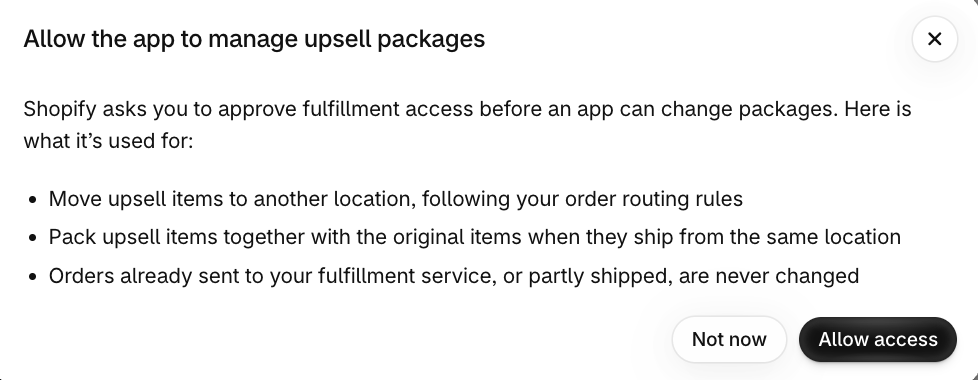
- The first time, if the app does not have fulfillment access yet, the window Allow the app to manage upsell packages opens.
- Click Allow access and approve the request from Shopify. Not now closes the window and leaves the toggle off.
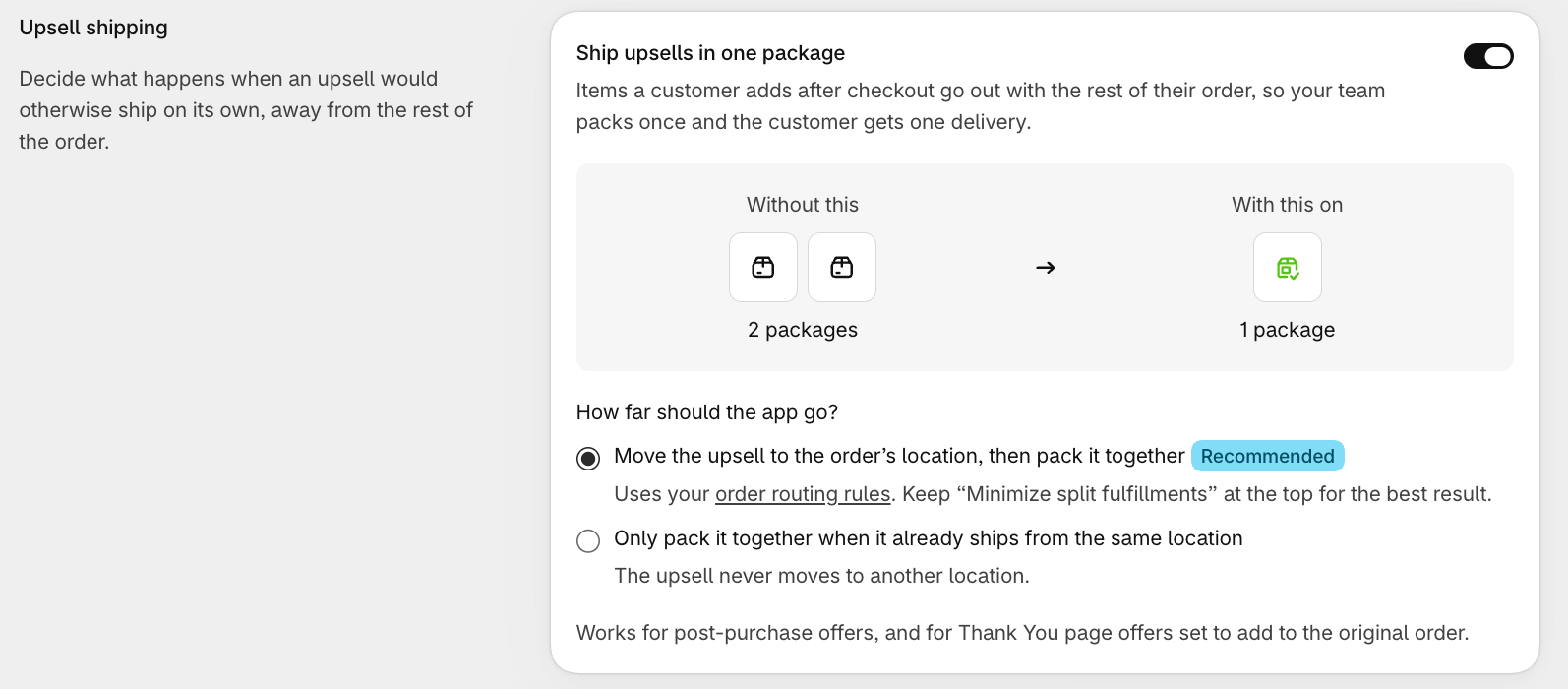
- Under How far should the app go?, choose one option:
- Move the upsell to the order’s location, then pack it together (Recommended)
- The app moves the upsell to the location of the original order, following your Shopify order routing rules.
- Keep Minimize split fulfillments at the top of your order routing rules for the best result.
- Only pack it together when it already ships from the same location
- The upsell never moves to another location.
- Move the upsell to the order’s location, then pack it together (Recommended)
- Click Save.
- Open an order with an upsell in Shopify admin. The original items and the upsell sit in the same shipment. If the app moved the upsell, the order timeline shows the location change.
Where it works, and when you still see two shipments.
- It works for Post-purchase offers, and for Thank you page offers set to Add to the original order. For a Thank you page offer, the app combines the items only after the customer has paid the invoice.
- The app keeps the original items and the upsell in two separate shipments when:
- The order is local pickup.
- The order was already sent to your fulfillment service, or is partially fulfilled.
- The original location is out of stock for the upsell item.
- The customer pays the Thank you page invoice too late.
- The app removes an upsell item that is still unpaid after 1 hour.
- Once an item has been removed from an order this way, the app does not combine that order's shipments.
- If your shop has only one location, the app only combines the items. It does not move anything to another location.