General
What Is It?
The General settings control where the cart drawer appears on your store.
Setup Walkthrough
Step 1: Open General Settings
From the app, go to Settings and select the General tab.
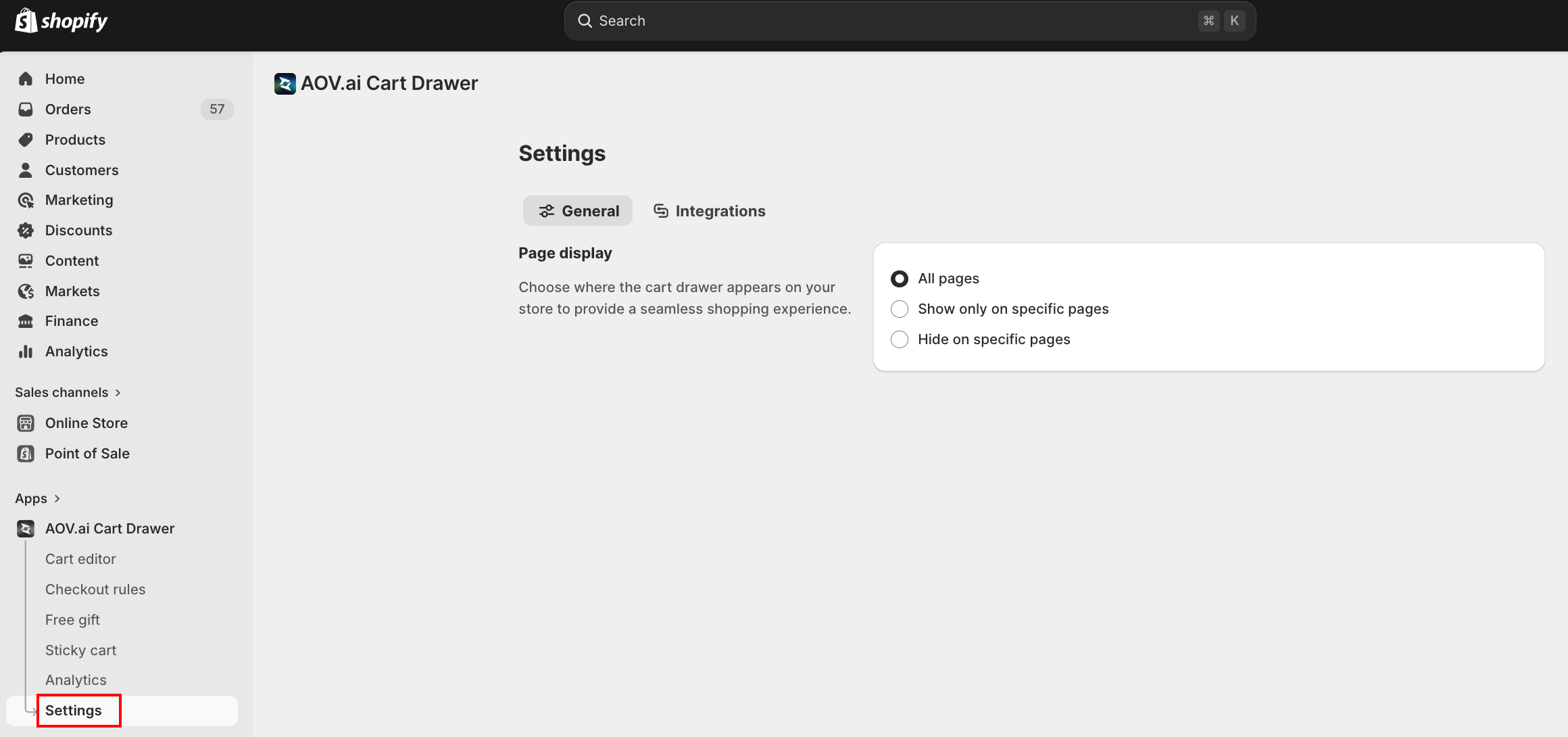
Step 2: Configure Page Display
Under Page display, choose where the cart drawer appears:
| Option | How it works |
|---|---|
| All pages | The cart drawer is active on every page of your store |
| Show only on specific pages | The drawer appears only on the pages you select |
| Hide on specific pages | The drawer appears everywhere except the pages you select |
Troubleshooting
Q1: The cart drawer doesn't appear on certain pages
Check Page display under General settings. If Show only on specific pages is selected, make sure those pages are listed. If Hide on specific pages is selected, confirm the pages you want the drawer on are not in the exclusion list.