Installation
Activate Checkout Widgets (Shopify Plus only)
To use the Offers (Checkout Upsell, Volume Savings) and Extra widgets (Discount List, Trust Badges, Testimonials, Image Carousel, Custom Banners, Custom Buttons, Cart Editor), you must add the app blocks to your checkout in the Checkout Editor:
-
Go to Shopify Admin → Online Store → Themes
-
Click Customize on your active theme
-
Select Checkout from the page dropdown
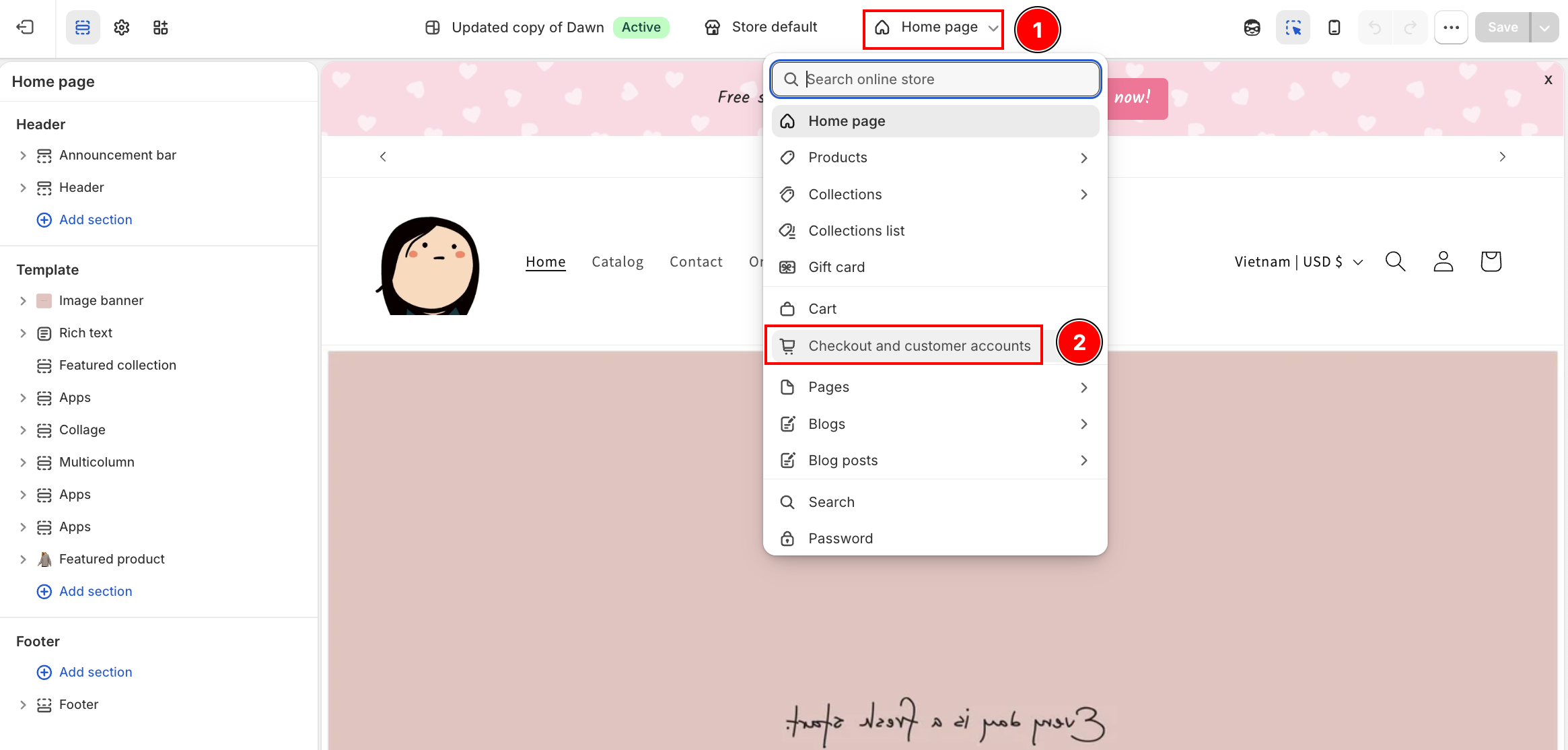
-
In the left panel, find AOV.AI under App blocks
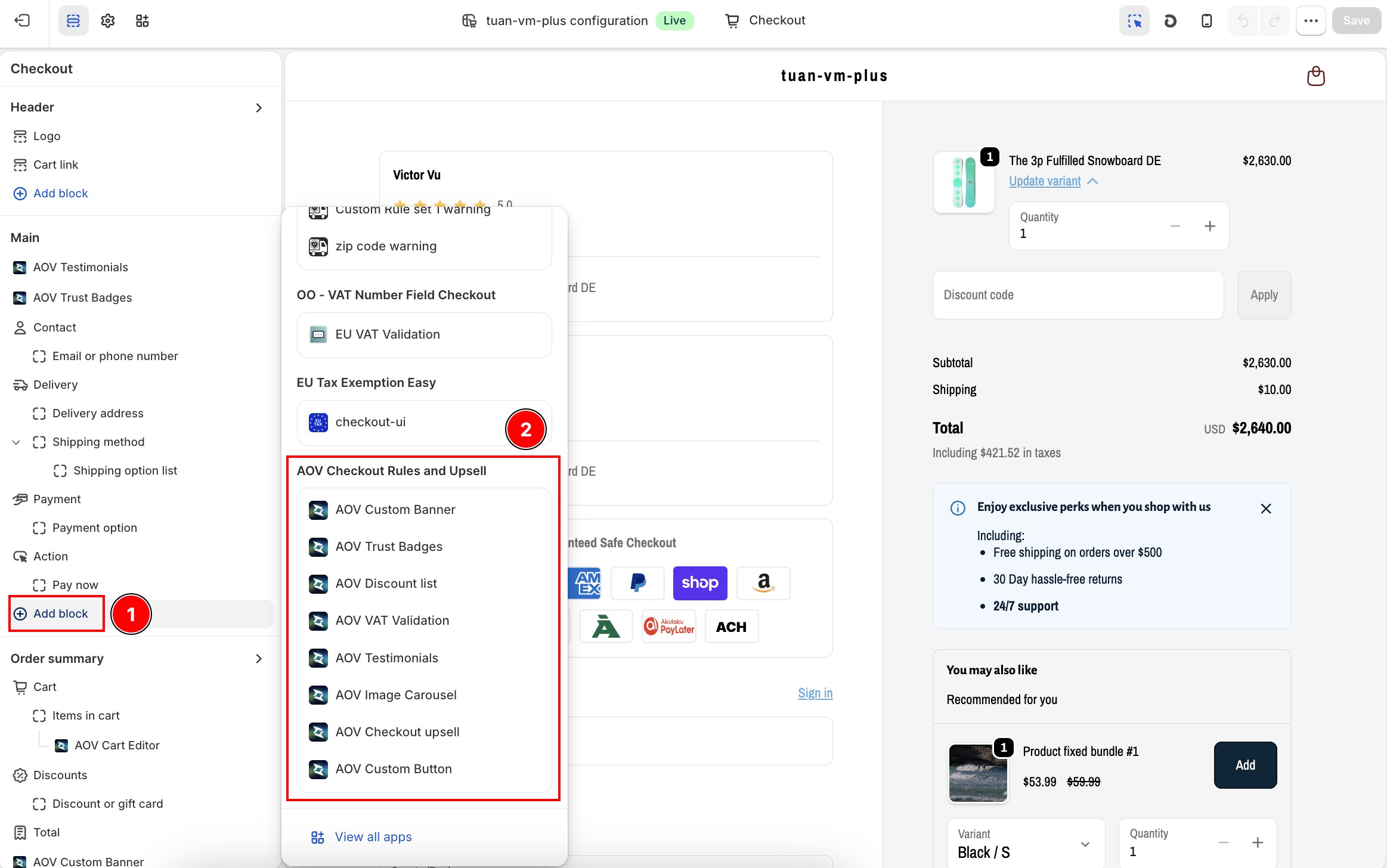
-
Add the widgets you want and drag them to your desired position
-
Click Save
This step is only required for Checkout UI Extension widgets (Checkout Upsell, Volume Savings, Discount List, Trust Badges, Testimonials, Image Carousel, Custom Banners, Custom Buttons, Cart Editor). Payment Customization, Shipping Rules, Shipping Discount, and Checkout Validations work automatically without theme changes.
Shopify Plus required. The Checkout Editor is only available on Shopify Plus plans. If you are on a standard plan, you can still use Payment Customization, Shipping Rules, Shipping Discount, and Checkout Validations.