Integrations
Connect third-party apps to enhance your upsell offers with social proof and reviews.
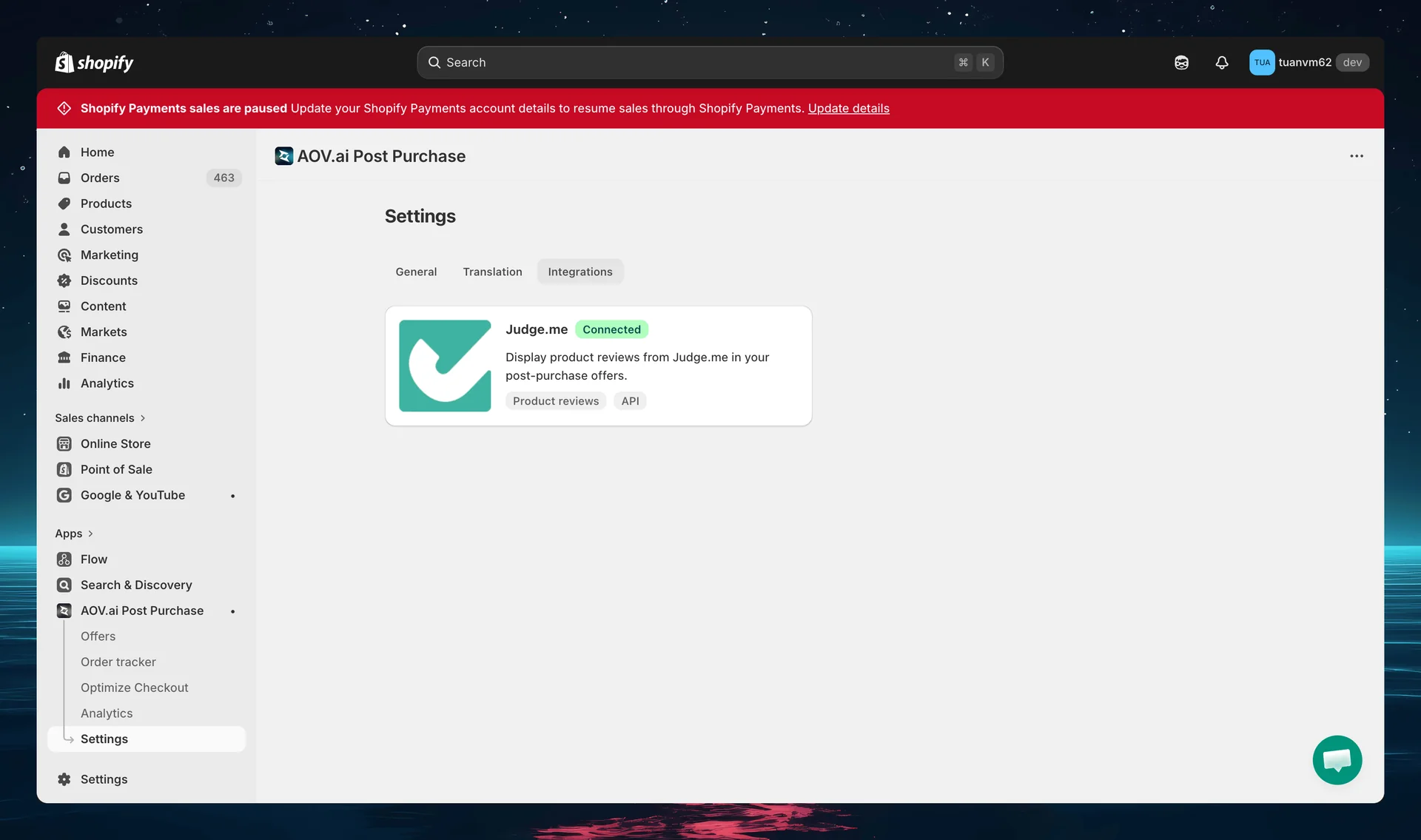
Available integrations
Judge.me
Display product reviews from Judge.me (opens in a new tab) directly in your upsell offers using the Testimonial widget. Judge.me is currently the review app you can connect from the Integrations page.
Setup:
- Install Judge.me and ensure it is active with the Awesome plan enabled
- In the AOV Post Purchase Upsell app, go to Settings → Integrations and open Judge.me
- Click Connect now to connect your Judge.me account
- In your offer's design editor, add the Testimonial widget
Testimonial widget options:
| Setting | Options |
|---|---|
| Review source | Judge.me |
| Review type | 5 stars reviews, 4 stars and up, All reviews |
| Sorting default | Recent, Highest |
| Display layout | Vertical, Horizontal |
Star Rating widget
In addition to full testimonials, you can show a Star Rating widget on your offers. This displays the product's average star rating.
Customization:
| Setting | Options |
|---|---|
| Star color | Yellow, Blue, Pink, Black |
| Star size | Small, Medium |
The star rating appears near the product information and helps build trust at a glance.
Tips
- Social proof increases conversions — offers with reviews and ratings help build trust at the point of decision
- Use the 5 stars reviews review type for the strongest social proof
- The Horizontal layout works well for offers with limited vertical space
- Combine star ratings with testimonials for maximum impact